Physical Address
304 North Cardinal St.
Dorchester Center, MA 02124
Physical Address
304 North Cardinal St.
Dorchester Center, MA 02124

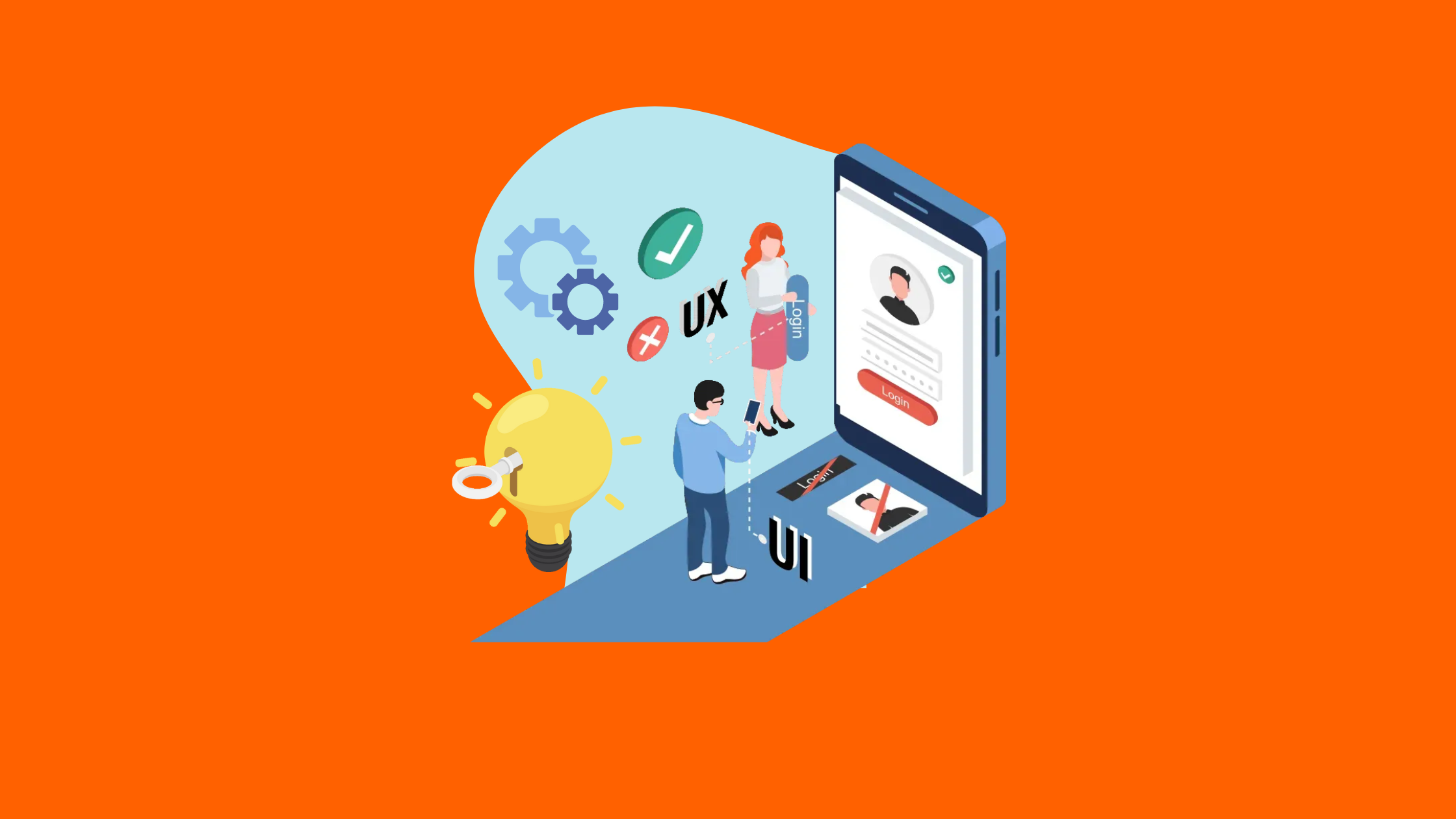
In today’s highly competitive Software-as-a-Service (SaaS) market, great features alone aren’t enough—the user experience (UX) plays a crucial role in customer retention and product success. A well-designed intuitive, seamless, and engaging UX ensures that users can quickly understand and derive value from the product, reducing churn and increasing customer loyalty.
✔️ Why UX matters for SaaS success
✔️ How intuitive UX design improves user retention
✔️ Best UX design practices for SaaS platforms
✔️ Case studies of successful SaaS companies with exceptional UX
📌 In the SaaS industry, retention is more important than acquisition. A bad UX can drive users away, while a smooth, frictionless experience keeps them engaged and increases Lifetime Value (LTV).
🔹 Users abandon SaaS products when they struggle to navigate the interface
🔹 A great UX ensures fast onboarding and easy product adoption
🔹 Simplifying complex workflows boosts long-term user retention
📌 Example: Dropbox’s simple interface and effortless file-sharing process make it easy for new users to onboard quickly.
🔹 Users expect SaaS products to make their work easier, not harder
🔹 A clutter-free, intuitive design saves time and improves productivity
🔹 Smart UX design reduces cognitive load, helping users focus on tasks rather than figuring out the software
📌 Example: Slack’s clean interface, smart notifications, and command shortcuts enhance team communication efficiency.
🔹 If free trial users don’t see value quickly, they won’t convert to paying customers
🔹 UX-driven onboarding ensures users experience key features without friction
🔹 Clear UI elements, tutorials, and tooltips can guide users to premium features
📌 Example: Canva uses in-app guides and templates to showcase premium features, increasing free-to-paid conversions.
🔹 A well-designed SaaS platform reduces the need for customer support
🔹 UX elements like intelligent search, FAQs, and tooltips help users solve problems on their own
🔹 Reducing support requests lowers operational costs
📌 Example: Notion’s in-app help center and searchable documentation reduce customer support dependency.
A great UX doesn’t just happen—it’s designed intentionally. Below are the essential UX principles that SaaS companies should follow:
🔹 Keep it clean & minimal – Remove unnecessary clutter
🔹 Use familiar UI patterns – Don’t reinvent the wheel
🔹 Prioritize ease of navigation – Make finding features effortless
📌 Example: Trello’s drag-and-drop interface makes task management intuitive for users at all levels.
🔹 Guide users with interactive walkthroughs
🔹 Reduce the number of steps to complete an action
🔹 Provide instant feedback (e.g., checkmarks, progress bars)
📌 Example: Airtable provides an interactive demo for first-time users, showcasing its core functionalities in minutes.
🔹 SaaS products must be fully functional across all devices
🔹 Ensure seamless transitions between desktop and mobile
🔹 Optimize UI for touch interactions & small screens
📌 Example: Google Drive’s mobile app offers the same level of functionality as its desktop counterpart.
🔹 Let users tailor their dashboard to their needs
🔹 Provide smart recommendations based on user behavior
🔹 Enable dark mode, theme selection, and customizable widgets
📌 Example: Asana allows users to customize their workspace with different views and project management styles.
🔹 Slow load times kill user engagement
🔹 Optimize backend performance & caching to ensure smooth experiences
🔹 Minimize unnecessary animations and heavy UI elements
📌 Example: Google Sheets loads massive datasets quickly due to backend optimizations and efficient rendering.
🚨 1. Overloading the User with Features (Feature Creep)
🔹 Too many features can overwhelm new users
🔹 Focus on core functionalities, and introduce new features gradually
📌 Example: Evernote became cluttered with excessive features, leading to user frustration and declining engagement.
🚨 2. Poor Navigation & Information Overload
🔹 Confusing layouts make it hard for users to find what they need
🔹 Use clear menus, logical categories, and search functionality
📌 Example: A poorly structured CRM tool can make it difficult for sales teams to track leads effectively.
🚨 3. Ignoring User Feedback
🔹 UX should evolve based on real user insights, not assumptions
🔹 Conduct user testing, collect feedback, and iterate frequently
📌 Example: Facebook constantly updates its UI based on A/B testing and user interactions.
✔️ Minimalist design with just essential buttons
✔️ One-click meeting join option reduces friction
✔️ Intuitive mute/unmute & screen-sharing features
💡 Result: Became the most widely adopted video conferencing tool!
✔️ User-friendly dashboard for managing stores
✔️ Drag-and-drop store builder makes customization easy
✔️ AI-driven recommendations help optimize sales
💡 Result: Powers over 4 million businesses worldwide!
✔️ Real-time editing & seamless sharing
✔️ Minimalist interface for smooth navigation
✔️ Cloud-based, eliminating the need for installations
💡 Result: Became the go-to design tool for UI/UX teams!
🔮 AI-Powered UX – Smart assistants and AI-driven personalization
🔮 Voice & Gesture-Based Navigation – Enhancing accessibility
🔮 Augmented Reality (AR) & Virtual Reality (VR) – Bringing SaaS applications into immersive environments
🔮 Hyper-Personalization – SaaS platforms adapting in real-time to user behavior
📌 Example: AI-driven SaaS products like Grammarly adjust suggestions based on writing style and tone!
Great UX design isn’t just an enhancement—it’s a necessity for SaaS success. By prioritizing simplicity, intuitive navigation, and seamless onboarding, SaaS companies can reduce churn, increase user satisfaction, and boost revenue.
💡 Investing in UX is investing in long-term SaaS growth!