Physical Address
304 North Cardinal St.
Dorchester Center, MA 02124
Physical Address
304 North Cardinal St.
Dorchester Center, MA 02124

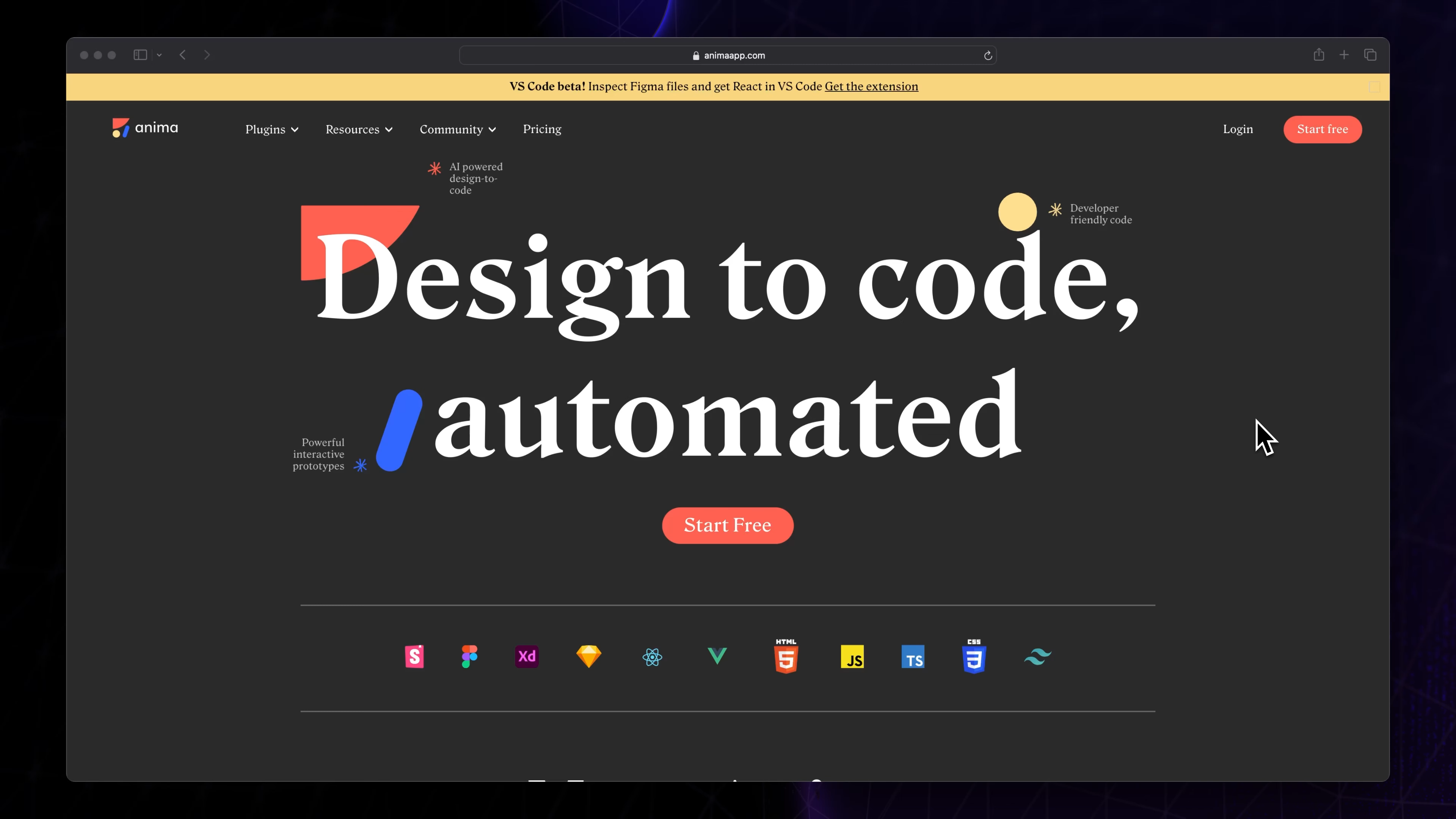
Frontend development is undergoing a revolution. With the rise of AI-powered tools, designers and developers are witnessing a paradigm shift—from manually coding UI components to automated code generation from design files.
Tools like Figma AI plugins, GitHub Copilot, and AI-based UI frameworks are eliminating repetitive tasks, accelerating development cycles, and redefining how frontend applications are built. But how far can AI go? Can it fully replace developers, or is it just a powerful assistant? Let’s explore.
Traditionally, frontend developers had to manually convert Figma, Sketch, or Adobe XD designs into responsive HTML, CSS, and JavaScript. AI is streamlining this process by automating code generation directly from design files.
✔ Figma to Code Plugins – AI tools like Anima, Locofy, and Figma’s Dev Mode can generate React, Vue, or HTML/CSS code from design prototypes.
✔ Sketch2Code (by Microsoft) – Converts hand-drawn sketches into working HTML.
✔ Uizard – Transforms wireframes into UI components using AI.
✅ Faster Prototyping – Instantly generate UI components for testing.
✅ Consistency – Eliminates manual errors and ensures design-system adherence.
✅ Reduced Dev Effort – Developers focus on logic, not pixel-perfect adjustments.
AI coding assistants have gone beyond basic autocomplete suggestions. Modern tools understand context, suggest full components, and even generate complex logic.
✔ GitHub Copilot – Uses OpenAI’s Codex to suggest React, Vue, and JavaScript snippets.
✔ Tabnine – AI-powered code completions based on context.
✔ Mutable AI – Converts English descriptions into UI components.
✅ Boosts Productivity – Less time writing boilerplate code.
✅ Error Reduction – AI suggests optimized code patterns.
✅ Learning Curve Reduction – Junior devs get instant suggestions and best practices.
Beyond coding, AI is enhancing user experience design by analyzing patterns, predicting user behavior, and optimizing interfaces dynamically.
✔ Chatbots & AI Assistants – Automating interactive UI components.
✔ AI-Powered A/B Testing – Tools like Google Optimize use AI to recommend design changes.
✔ Dynamic Layout Adjustments – AI adjusts UI based on screen size, device, and user preference.
✅ Data-Driven UI Decisions – AI analyzes engagement metrics to optimize design.
✅ Personalized Interfaces – Dynamic UI changes based on user behavior.
✅ Automated Theme Adjustments – AI suggests color schemes, typography, and accessibility improvements.
While AI is making frontend development faster and smarter, it’s not ready to replace human developers yet. Here’s why:
| Aspect | AI Capabilities | Human Advantage |
|---|---|---|
| Code Generation | ✅ Converts designs to code | ❌ Needs developers to fine-tune functionality |
| Logic Implementation | ❌ Struggles with complex logic | ✅ Developers create optimized logic |
| Creative Problem Solving | ❌ Lacks innovation & intuition | ✅ Humans bring unique problem-solving skills |
| Debugging & Optimization | ✅ AI suggests fixes | ❌ Still requires manual debugging |
| End-to-End Development | ❌ Can’t replace full-stack workflows | ✅ Developers integrate logic, APIs, and databases |
🚀 Verdict: AI enhances but doesn’t replace frontend developers. Instead, it reduces repetitive tasks, allowing devs to focus on high-level problem-solving and innovation.
Startups like Softr, Framer, and Appsmith are already enabling no-code, AI-powered app generation. In the near future, AI may evolve to build entire web applications with minimal human intervention.
Tools like Retool, Bubble, and OutSystems are combining AI with low-code platforms, enabling faster enterprise software development.
AI will enhance accessibility features, optimize site speed, and adapt UI dynamically to ensure seamless user experiences.
AI isn’t here to replace frontend developers—it’s here to empower them. By leveraging AI-driven design-to-code tools, coding assistants, and UI/UX optimization solutions, developers can:
✅ Speed up workflows
✅ Reduce manual coding errors
✅ Enhance user experiences
✅ Stay ahead of the competition
AI is reshaping frontend development, and those who embrace it will build faster, smarter, and more innovative applications. Are you ready for the AI revolution? 🚀